
Used Ezviz cctv & security systems in Islamabad & Rawalpindi
Is a used Ezviz cctv & security system worth buying?
Ezviz is Hikvision's consumer arm, and the practical difference shows on the label: every camera carries a six-character verification code beside the QR, and that code is what adds the device to an account, unlocks encrypted playback and doubles as the RTSP password on mains-powered models. These run in the Ezviz app, not Hik-Connect. A camera whose sticker has worn away is a much weaker buy.
Imported
Parts usually have to be imported or sourced from the grey market, so a repair takes longer and costs more — which matters more on an older unit than the build quality does.
Ezviz comes in through the same importers as Hikvision's professional range, so replacements are easy to buy new across the twin cities, but the cameras are sealed consumer units with nothing serviceable inside. Mounts, adapters and memory cards are ordinary purchases; a faulty camera is replaced rather than repaired, and battery packs for the CB and BC models are not a shelf item locally.
CCTV & Security Systems in stock now
Our current cctv & security systems, across all brands — ask us on WhatsApp if you want Ezviz specifically.
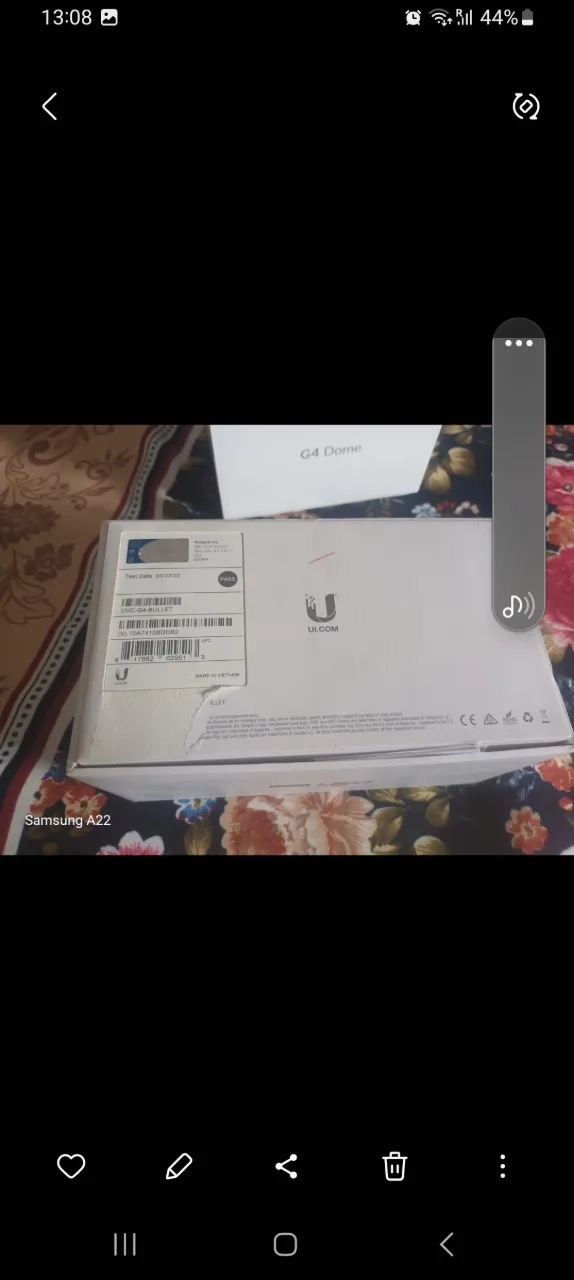
Checking a used Ezviz cctv & security system
These are specific to Ezviz. The general cctv & security systems checks apply too and are on the cctv & security systems page.
Photograph the verification code
The six-character code sits on the body or base label beside the serial and QR, and nothing works without it — not adding the camera, not decrypting playback. Outdoor bodies rub these stickers off, so photograph it before the camera leaves the seller's hands.
Read the model prefix
C-numbered models such as C6N, C3W and C8 are mains-powered and can record continuously to card; CB and BC models are battery units that wake on motion; DB models are doorbells. The prefix decides whether continuous recording is even possible, so check it before agreeing what the camera is for.
Test RTSP on your recorder
On mains models the stream is normally on port 554 with admin as the user and the label's verification code as the password, added to an NVR as a custom RTSP channel rather than as a Hikvision device. Availability varies by model and firmware, so prove it on the recorder you own.
Ask about image encryption
Recorded video is encrypted against the verification code unless the owner has set a password of their own. If they did and cannot remember it, the footage already on the card stays unreadable and the device needs resetting before it is of any use to you.
Watch them delete it
An Ezviz device sits in one account at a time and deletion in the seller's app is what releases it. Resetting the camera by itself does not remove it from their device list, so watch the deletion happen and add it to your own account there and then.
What Ezviz cctv & security systems are worth
- A legible verification-code label is part of the value, because without that code the camera cannot be added to a new account or its recordings decrypted.
- Mains models that expose RTSP reach buyers who already own a recorder, while battery models only suit app-only households, so the two halves of the range sell to quite different people.
- Ezviz arrives through the same importers that carry Hikvision's professional range and is widely stocked here, so a used unit is always being compared against a boxed one on the same counter.
- A camera handed over with an unknown encryption password is worth little more than its mount, since both the stored footage and remote viewing stay locked until it is reset.
Model lines you will see second-hand
- C6N / C6CN indoor pan-tilt
- C3W / C3WN outdoor Wi-Fi
- C8 series outdoor pan-tilt
- CB / BC series battery cameras
- DB series video doorbells
General cctv & security systems checks
These apply whatever the badge on the front says — the cctv & security systems page covers them in full.
Watch the night picture
Cup a hand over the lens or view the feed in a darkened room. You should hear a faint click as the infrared cut filter moves and see the picture turn to clean monochrome; LEDs that never light, or a milky washed-out grey image, mean the IR array or the filter has failed and night footage will be useless.
Scroll back through playback
Ask to play back yesterday's recording from the recorder's own menu rather than only looking at live view. Smooth playback across several channels means the disk and the board are working; freezing, missing hours, or a recorder that shows live video but nothing recorded usually means the surveillance drive is failing.
Inspect the camera pigtail
Look at the short cable tail at the back of each camera where the connectors sit. Clean, dry connectors with the rubber boot intact are what you want; taped joints, green corrosion on BNC or RJ45 pins, or a tail chewed by rodents cause intermittent dropouts that get blamed on the camera itself.
Look inside the dome
Hold the camera up to the light and look through the dome cover for droplets, fogging, or a tide mark on the inside. Moisture inside the housing means the gasket has failed, and the board behind it will already be corroding even if today's picture still looks acceptable.
Log in as admin
Have the seller enter the recorder's admin password in front of you and open the settings menu. If they cannot, treat the unit as scrap: Hikvision and Dahua recorders need a reset code generated from the serial number and the device date, and older models may no longer be supported for that at all.
Match cameras to recorder
Establish whether the cameras are analogue HD (AHD, TVI or CVI) or IP, and whether the recorder has free channels of that same type. Cameras bought without a matching recorder, or IP cameras destined for an analogue DVR, cannot be connected at all without replacing the recorder.
Ezviz cctv & security systems — questions
Can an Ezviz camera be added to my Hikvision NVR?
What is the verification code on an Ezviz camera?
Other cctv & security systems brands
Selling one instead? We buy used Ezviz cctv & security systems for cash.