
Used Xerox printers, scanners & copiers in Islamabad & Rawalpindi
Is a used Xerox printers, scanners & copier worth buying?
Xerox arrives here as ex-corporate equipment by two different routes, and the badge tells you which. WorkCentre, Phaser, VersaLink and AltaLink units come out of Western fleets and take R-numbered cartridges such as 106R or 013R. DocuCentre and ApeosPort units are Fuji Xerox machines built for the Asia-Pacific market and take CT-numbered ones. The two supply chains do not meet, so read the badge first.
Imported
Parts usually have to be imported or sourced from the grey market, so a repair takes longer and costs more — which matters more on an older unit than the build quality does.
Xerox is served here through office-equipment importers rather than the general computer market, and the two families run on separate routes — R-numbered cartridges for WorkCentre, Phaser, VersaLink and AltaLink, CT-numbered ones for the Fuji Xerox DocuCentre and ApeosPort machines that arrive with ex-Japan copier stock. Quote the number off the fitted cartridge rather than the model name, since drums, fusers and waste containers are ordered as separate lines.
Printers, Scanners & Copiers in stock now
Our current printers, scanners & copiers, across all brands — ask us on WhatsApp if you want Xerox specifically.
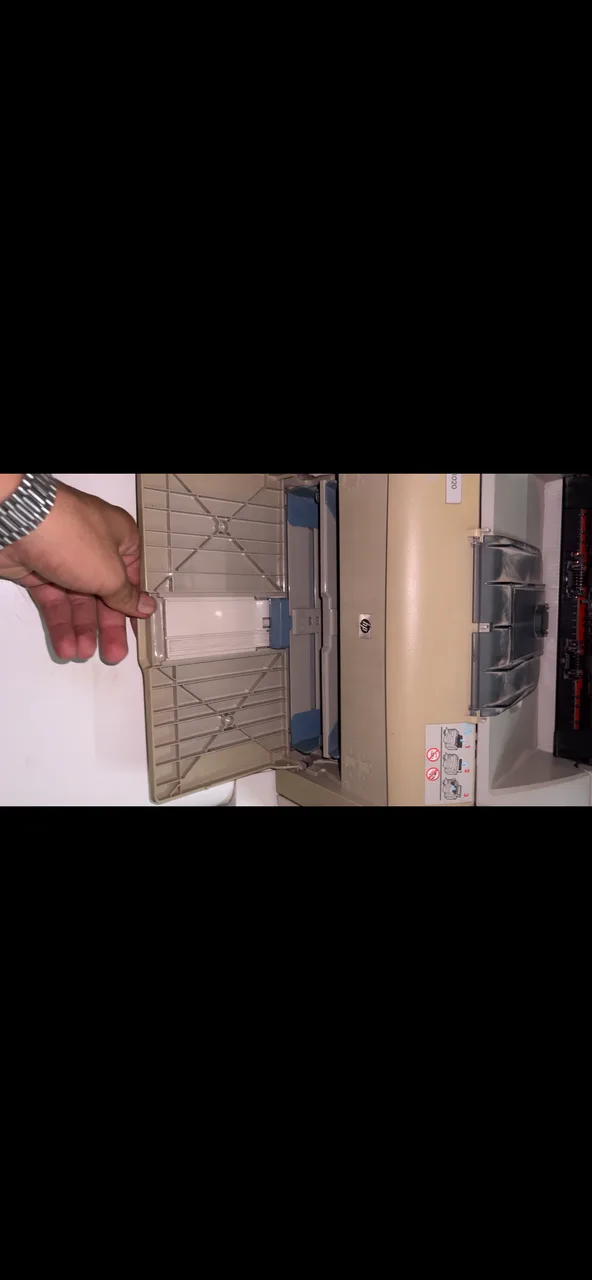
Checking a used Xerox printers, scanners & copier
These are specific to Xerox. The general printers, scanners & copiers checks apply too and are on the printers, scanners & copiers page.
Tell Xerox from Fuji Xerox
DocuCentre and ApeosPort machines are Fuji Xerox, built for the Asia-Pacific market and fed by CT-prefixed consumables, while WorkCentre, Phaser, VersaLink and AltaLink take R-numbered ones. They reach Islamabad through different importers, so settle which family you are looking at before assuming anything about supply.
Match the consumable part numbers
Xerox codes the consumable class into the number — 106R and 006R for toner, 013R and 101R for drums and imaging units, 115R for fusers and maintenance kits, 008R for waste containers. Read the numbers off the fitted cartridges and the supplies page, and quote those rather than the model name when checking availability.
Ask when the contract lapsed
Most Xerox machines here came off contract billing, where the supplier read the meter and sent the cartridges, and Xerox supplies exist in metered and sold variants. Find out when that arrangement ended and what has been fitted since, because supplies bought at retail afterwards prove there is a working route to them.
Read the drum counter separately
The imaging drum is a distinct consumable with its own part number and its own counter, so a machine full of toner can still be at the end of its drum. The supplies page lists both — read the drum figure before the toner one.
Check for a panel lock
Ex-corporate units are often left with a device administrator password and with accounting or authentication turned on, which blocks copying without a user code. Older Xerox devices default to 1111 and newer VersaLink and AltaLink units to the serial number; if neither works and the seller has no password, those settings cannot be cleared.
What Xerox printers, scanners & copiers are worth
- A Fuji Xerox DocuCentre and a Western-market WorkCentre of similar capability do not hold value alike here, because their consumables arrive through different importers and value follows whichever part number can actually be got.
- Supplies bought at retail since the contract lapsed support value, because they show the machine has a proven route to cartridges rather than a history that stops on the day the contract did.
- A drum near the end of its counter holds value down independently of toner level, since it carries its own part number and is ordered separately on its own timetable.
- A device administrator password nobody has caps value, because accounting and authentication settings cannot be cleared without it.
Model lines you will see second-hand
- WorkCentre
- Phaser
- VersaLink
- AltaLink
- DocuCentre (Fuji Xerox)
General printers, scanners & copiers checks
These apply whatever the badge on the front says — the printers, scanners & copiers page covers them in full.
Print the panel self-test
Every printer can print a test or configuration page from its own buttons, without a computer or a driver in the way. That single page tells you whether the engine, the head or drum, and the paper feed all work. Banding, a missing colour, or a page that comes out blank narrows the fault down before you have installed anything.
Rub a solid black page
Print a page with a solid dark area and run your thumb across it once it is out. Toner that smudges or lifts means the fuser is not reaching temperature, which is a heating element or sleeve job. Marks that repeat down the page at the same regular spacing come from a damaged roller or drum, and the spacing tells a technician which one.
Read the meter counters
The configuration page carries the total pages the machine has put through and, on most lasers and copiers, how much drum and toner life is reported left. Weigh that against what the model was built for: a high count on an office copier designed for volume is less worrying than a modest count on a small home printer.
Look for ink-tank conversions
Factory ink-tank machines have bottles designed into the body. An aftermarket tank glued to a cartridge printer, with tubes taped along the case, is a conversion, and the tubes kink, air gets in and the head starves. Ask for the printer to be run in front of you before you decide, and pull a cartridge to see whether it has been drilled and refilled.
Scan white and feed pages
Scan one plain white A4 page and open the result full size. A thin line running the whole length of the scan is dirt or a scratch on the glass strip, or a mark on the scan bar. Then put five or six sheets through the document feeder: skewed pages, two sheets pulled at once, or a jam every time means the pick-up rollers are worn flat.
Check consumables and drivers exist
Note the exact cartridge or toner code from the machine and confirm it is still stocked locally, and check the manufacturer lists a driver for the operating system you actually run. A tidy printer whose consumable has been discontinued, or that only ever had drivers for an operating system two generations old, is a shelf ornament.
Xerox printers, scanners & copiers — questions
Is a Fuji Xerox DocuCentre the same as a Xerox?
What does it mean if a used Xerox came off a service contract?
Other printers, scanners & copiers brands
Selling one instead? We buy used Xerox printers, scanners & copiers for cash.