
Used Panasonic printers, scanners & copiers in Islamabad & Rawalpindi
Is a used Panasonic printers, scanners & copier worth buying?
Panasonic's presence in this category is mostly the KX-series multifunction fax machines and laser printers that were standard in Pakistani offices and clinics for years. Many are still in daily use where a fax line matters — legal, medical and government offices. They are imported and the line has narrowed considerably, so the practical question on a used one is whether its film roll or toner is still obtainable.
Imported
Parts usually have to be imported or sourced from the grey market, so a repair takes longer and costs more — which matters more on an older unit than the build quality does.
Panasonic office equipment is handled by a small number of dealers in Islamabad rather than the general computer market, and consumables for the KX line are ordered in. Independent shops will service the printing section; fax line boards are rarely repaired and generally mean replacing the machine.
Printers, Scanners & Copiers in stock now
Our current printers, scanners & copiers, across all brands — ask us on WhatsApp if you want Panasonic specifically.
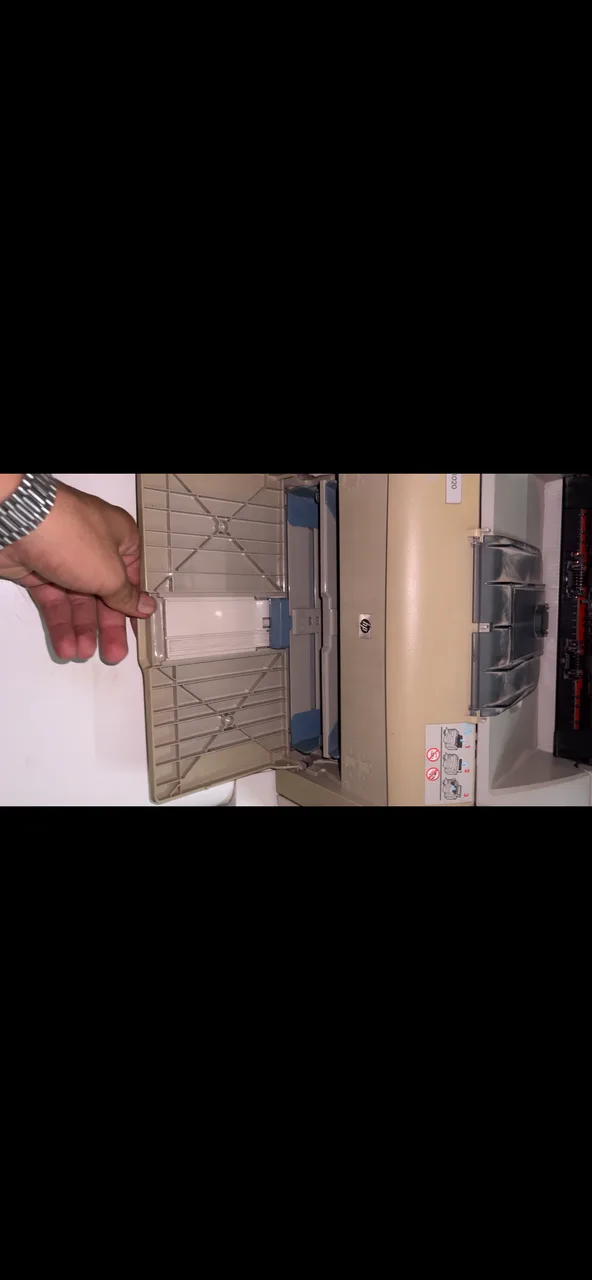
Checking a used Panasonic printers, scanners & copier
These are specific to Panasonic. The general printers, scanners & copiers checks apply too and are on the printers, scanners & copiers page.
Test the fax section on a live line
Send and receive a test page on an actual phone line, not just the self-test. Fax modems and line interface boards fail independently of the printer and are the reason many of these machines get sold.
Identify film roll versus toner
Panasonic's thermal transfer fax models use a consumable film roll; the laser models use toner. These are entirely different supply questions — establish which yours is from the model number.
Check the handset and cord
Many KX units include a handset. Test dial tone through it, since a broken curly cord or a dead handset is trivially replaceable but a failed line board is not.
Print the memory-stored documents list
These machines store received faxes in memory. Printing the stored list confirms both memory and printing work, and reminds the seller to clear any confidential documents still held.
Confirm consumable availability
Panasonic office consumables are ordered through dealers here rather than stocked in the general market. Confirm the film roll or toner code for your model can still be obtained before agreeing.
What Panasonic printers, scanners & copiers are worth
- A verified working fax section holds value with the specific offices that still need one, and is the main thing distinguishing these from a plain mono laser.
- Narrowing consumable supply for the older thermal film models reduces value, since the machine stops being usable when the film runs out.
- A very narrow buyer pool means these move slowly, so condition and a demonstrable working fax matter more than cosmetics.
General printers, scanners & copiers checks
These apply whatever the badge on the front says — the printers, scanners & copiers page covers them in full.
Print the panel self-test
Every printer can print a test or configuration page from its own buttons, without a computer or a driver in the way. That single page tells you whether the engine, the head or drum, and the paper feed all work. Banding, a missing colour, or a page that comes out blank narrows the fault down before you have installed anything.
Rub a solid black page
Print a page with a solid dark area and run your thumb across it once it is out. Toner that smudges or lifts means the fuser is not reaching temperature, which is a heating element or sleeve job. Marks that repeat down the page at the same regular spacing come from a damaged roller or drum, and the spacing tells a technician which one.
Read the meter counters
The configuration page carries the total pages the machine has put through and, on most lasers and copiers, how much drum and toner life is reported left. Weigh that against what the model was built for: a high count on an office copier designed for volume is less worrying than a modest count on a small home printer.
Look for ink-tank conversions
Factory ink-tank machines have bottles designed into the body. An aftermarket tank glued to a cartridge printer, with tubes taped along the case, is a conversion, and the tubes kink, air gets in and the head starves. Ask for the printer to be run in front of you before you decide, and pull a cartridge to see whether it has been drilled and refilled.
Scan white and feed pages
Scan one plain white A4 page and open the result full size. A thin line running the whole length of the scan is dirt or a scratch on the glass strip, or a mark on the scan bar. Then put five or six sheets through the document feeder: skewed pages, two sheets pulled at once, or a jam every time means the pick-up rollers are worn flat.
Check consumables and drivers exist
Note the exact cartridge or toner code from the machine and confirm it is still stocked locally, and check the manufacturer lists a driver for the operating system you actually run. A tidy printer whose consumable has been discontinued, or that only ever had drivers for an operating system two generations old, is a shelf ornament.
Panasonic printers, scanners & copiers — questions
Is a used Panasonic KX fax machine still useful?
Can I still get film rolls for a Panasonic fax machine?
Other printers, scanners & copiers brands
Selling one instead? We buy used Panasonic printers, scanners & copiers for cash.