
Used Samsung mobiles & tablets in Islamabad & Rawalpindi
Is a used Samsung mobiles & tablet worth buying?
Samsung has both official Pakistan distribution and a large grey-import stream, so a used handset here can be PTA-approved local stock or an imported unit that may never have been registered. That distinction outranks condition, storage and everything else. Beyond it, Samsung's advantage second-hand is genuine service centre presence in both cities and a display supply that independent shops can actually source.
Mixed — partly assembled locally
Parts availability depends on the model line: locally assembled ranges are straightforward, imported ones less so. Worth confirming before you count on a repair.
Samsung has authorised service centres in Islamabad and Rawalpindi, and the Saddar and Blue Area phone markets carry both genuine and aftermarket displays and batteries for common models. Flagship folding models are the exception, where parts are scarce and repair is specialist work.
Mobiles & Tablets in stock now
Our current mobiles & tablets, across all brands — ask us on WhatsApp if you want Samsung specifically.
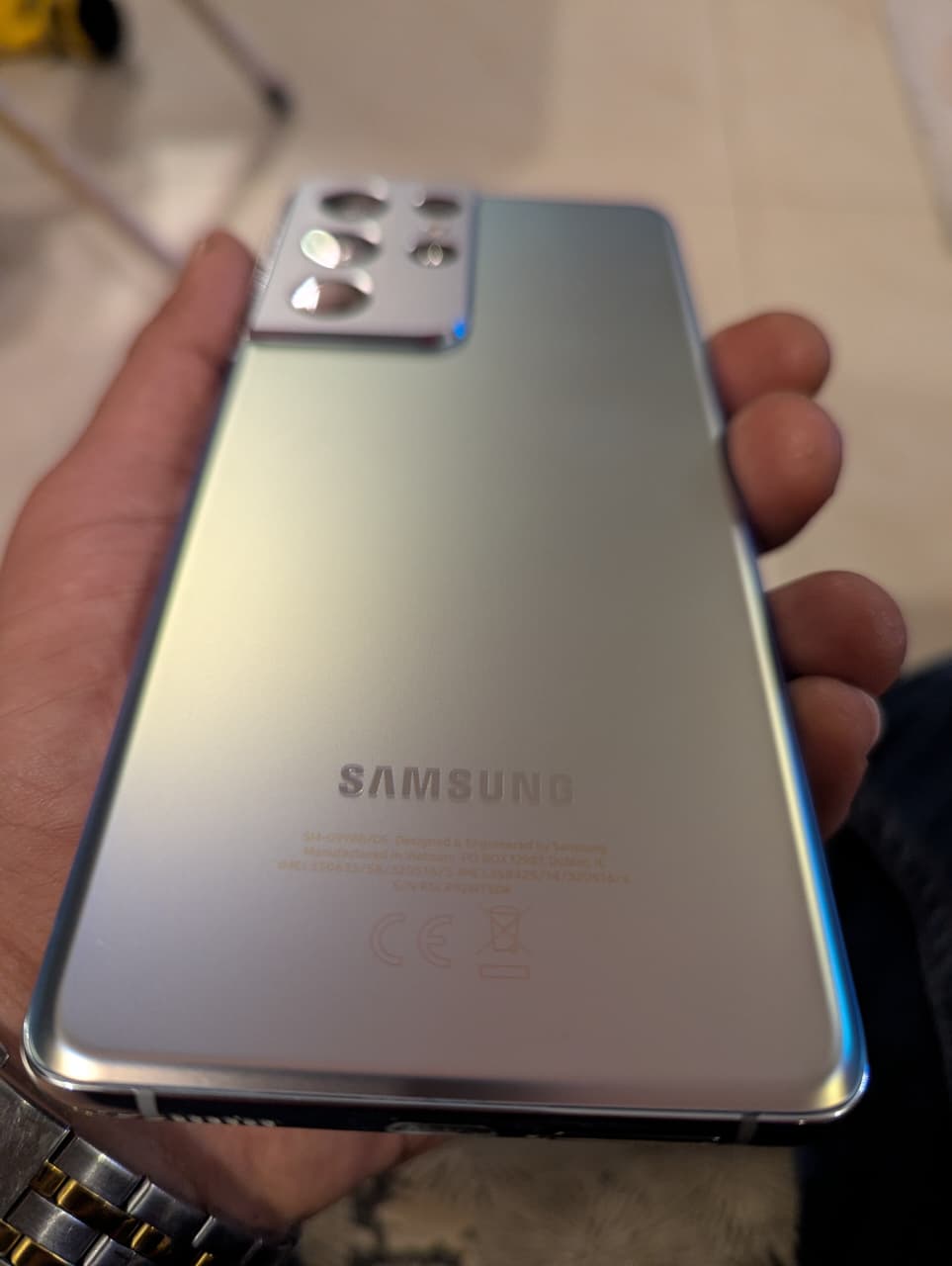 Like New
Samsung Mobile S21 12/128 Gb Ultra Urgent Sale! PTA Approved
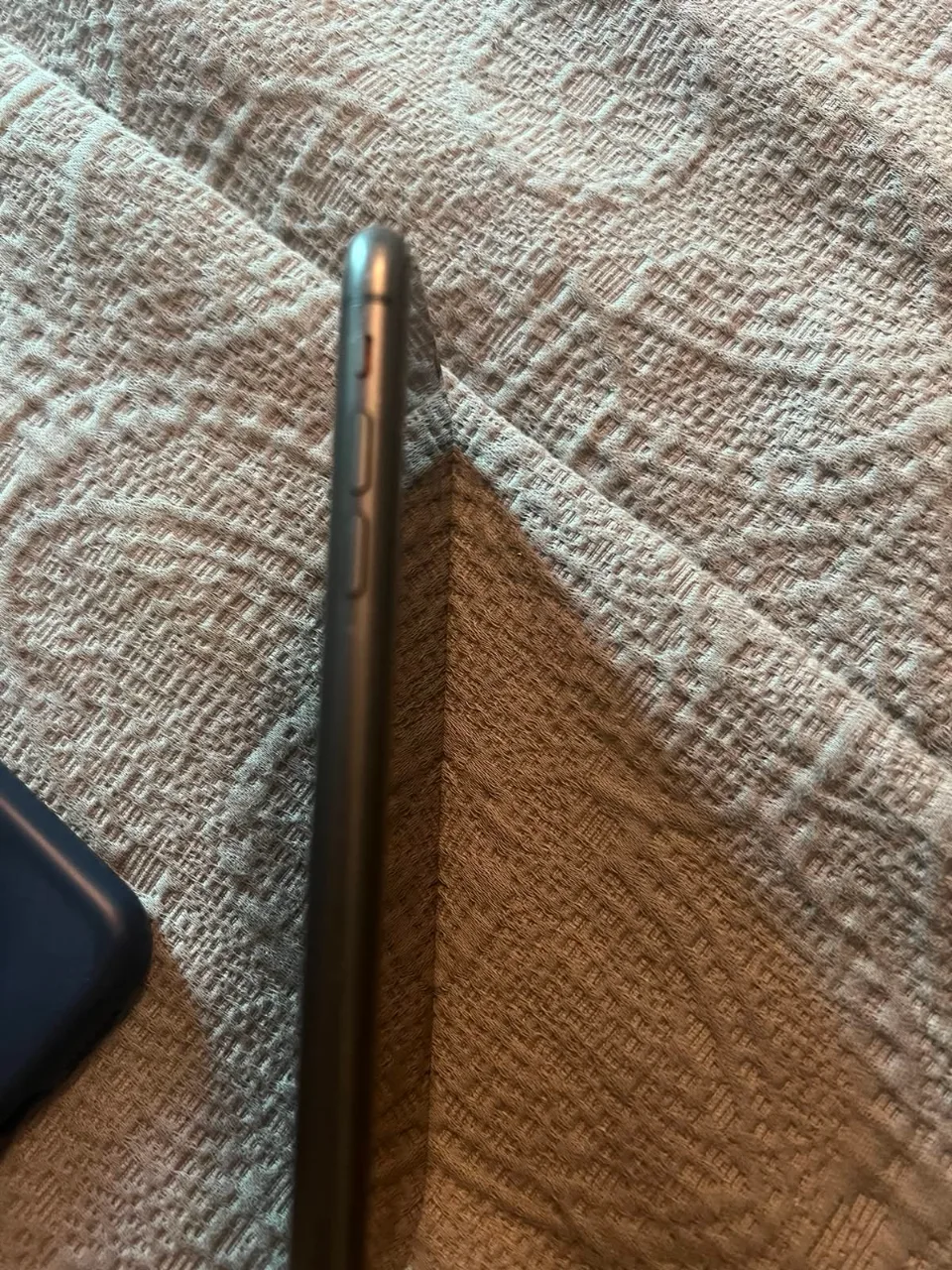 Like New
cell phone
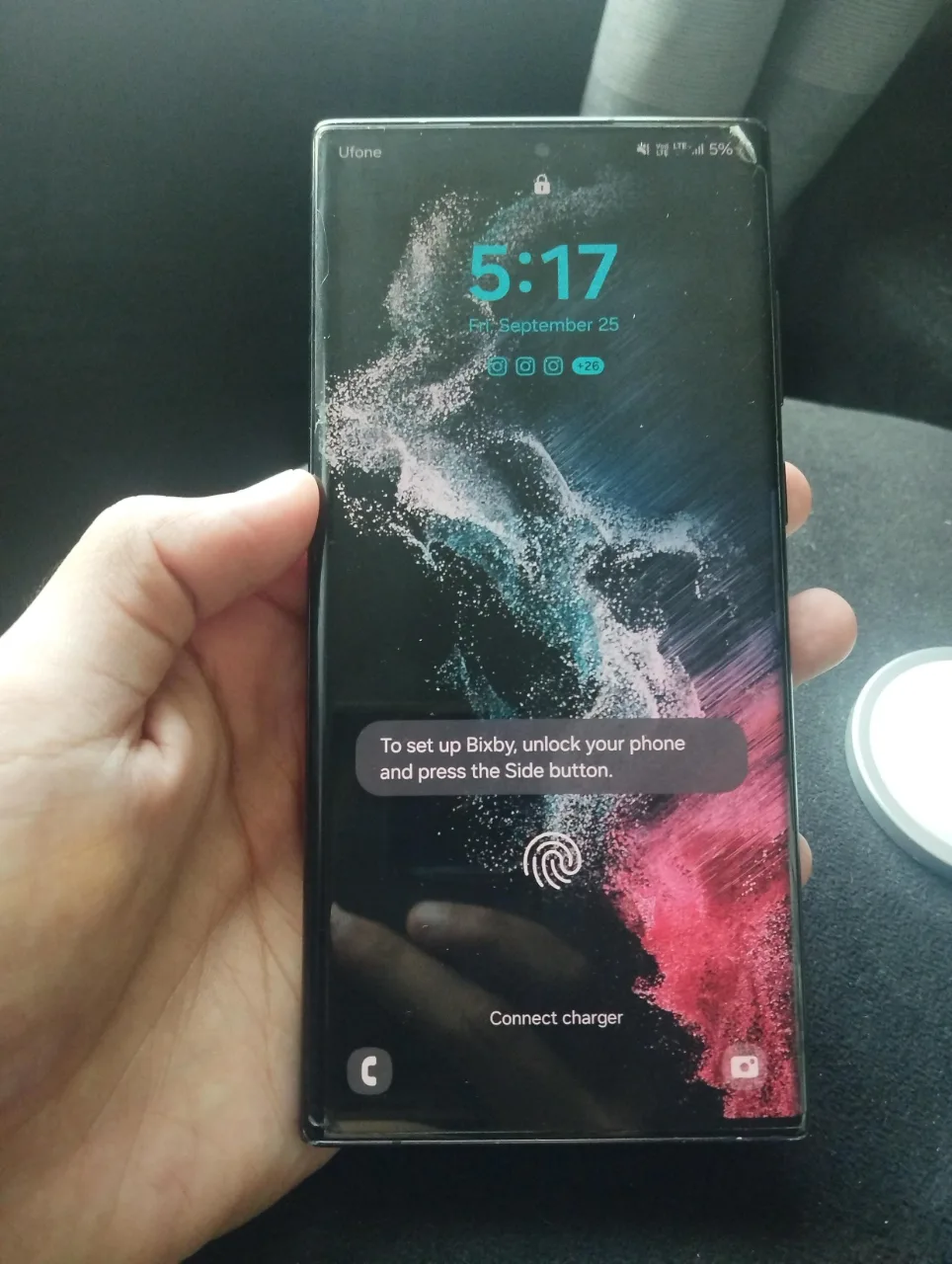 Good Used
MOBILE PHONE
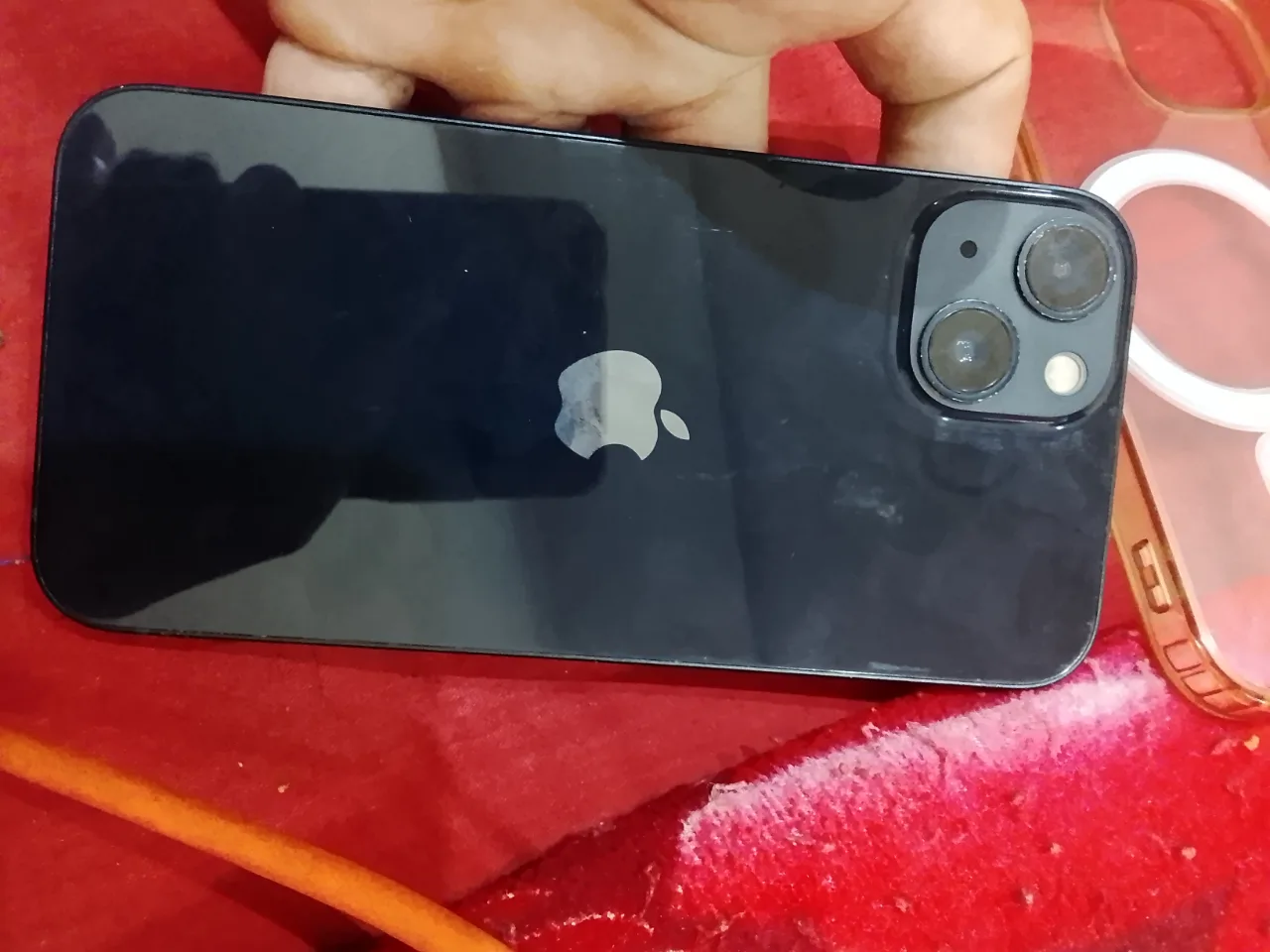 Like New
Iphone 13
Checking a used Samsung mobiles & tablet
These are specific to Samsung. The general mobiles & tablets checks apply too and are on the mobiles & tablets page.
Verify PTA status by IMEI
Dial *#06# for the IMEI and check it on the PTA DIRBS system before anything else. A non-approved Samsung is blocked from local networks until registered, and that cost falls on the buyer.
Check for AMOLED burn-in
Display a solid grey and then a solid white image at full brightness. Samsung's AMOLED panels retain ghosts of the status bar and navigation keys after heavy use, and this is permanent.
Confirm the screen is original
Replaced Samsung displays are common. In Settings, a non-genuine panel often loses always-on display or shows different colour calibration; look also for a slightly proud edge where the panel meets the frame.
Read the battery health indicator
Samsung reports battery status under Device Care in Settings. It is less precise than Apple's percentage figure, so also check whether the phone holds charge through a long call.
Test the fingerprint sensor properly
On in-display sensors, enrol a new fingerprint yourself rather than trusting the existing one. Ultrasonic sensors degrade after a screen replacement and this is where it shows.
What Samsung mobiles & tablets are worth
- PTA-approved status holds value decisively, because an unregistered handset carries a registration cost the buyer must absorb before it works on local networks.
- AMOLED burn-in reduces value permanently and is visible on inspection, so heavy-use handsets sit below their apparent condition.
- Genuine local service presence and an available display supply support value, since a broken screen has a real repair route rather than being terminal.
General mobiles & tablets checks
These apply whatever the badge on the front says — the mobiles & tablets page covers them in full.
Check the IMEI first
Dial *#06# to bring the IMEI up on screen, then check its status with PTA's DIRBS service before you look at anything else. A compliant IMEI keeps working on a local SIM; a non-compliant one loses service, and a set that is working today because it is inside a grace period will still stop. Match the number on screen against the box and the SIM tray.
Watch a full factory reset
Ask for a full factory reset in front of you, then set the phone up as far as the home screen. If it asks for the previous owner's Apple ID or the Google account it was last signed into, it is locked by Activation Lock or FRP, and no shop can remove that. Only the person who signed in can, and they must do it before you take the phone.
Read battery health and cycles
An iPhone reports maximum capacity and cycle count under Battery Health; on Android use the maker's own diagnostics app or service menu. Apple treats a battery as consumed once maximum capacity has fallen well down from new, and a high cycle count on a set described as lightly used is worth questioning. Then press gently on the back and around the screen edge: a lid lifting away from the frame means the cell has swollen and needs replacing now.
View white, then solid green
A full white image shows discolouration, shadowing and blotches. A solid green or mid-grey image reveals AMOLED burn-in of the status bar, navigation bar or keyboard outline. Watch for a thin vertical green or pink line, which is a known panel failure and needs the whole display. Then drag a finger across every part of the screen in a drawing app to find dead touch strips.
Test sensors and Face ID
Face recognition, the fingerprint reader, the earpiece, automatic brightness and the proximity sensor that blanks the screen during a call are all commonly killed by a cheap aftermarket panel. Make a real call and hold the phone to your ear. Any of these failing is a strong sign the display has been changed, whatever the seller says.
Test the port and cameras
Plug in a cable and move it about in the socket; charging that cuts in and out means lint packed in the port or a loose connector. Then take a photo and a short video on each rear lens and the front camera, checking autofocus locks and that the ultra-wide and telephoto are not just a crop. Hold the lens glass to a light to spot cracks that show as haze.
Samsung mobiles & tablets — questions
How do I check if a used Samsung is PTA approved?
Does screen burn-in matter on a used Samsung?
Other mobiles & tablets brands
Selling one instead? We buy used Samsung mobiles & tablets for cash.