
Used Lenovo laptops & computers in Islamabad & Rawalpindi
Is a used Lenovo laptops & computer worth buying?
Lenovo used stock divides into ThinkPads, which were designed to be opened and serviced, and IdeaPad consumer machines, which were not. On a ThinkPad the keyboard, battery and drive are meant to be replaceable, and Lenovo publishes a service manual for each machine type. The catch on ex-corporate units is the supervisor password.
Imported
Parts usually have to be imported or sourced from the grey market, so a repair takes longer and costs more — which matters more on an older unit than the build quality does.
Lenovo machines are imported, but ThinkPad fleet volume means keyboards, batteries, palm rests and screens circulate through the local refurbished trade, and Lenovo's service manuals are public for each machine type. IdeaPad parts are thinner on the ground and are usually sourced from stripped units.
Laptops & Computers in stock now
Our current laptops & computers, across all brands — ask us on WhatsApp if you want Lenovo specifically.
 Like New
HP Pavilion Notebook/UK Import, 10/10 condition
 Good Used
hp laptop 14-cm0xxx-AMD A4, 4 GB Ram, 64 GB SSDwindows 10 pro and
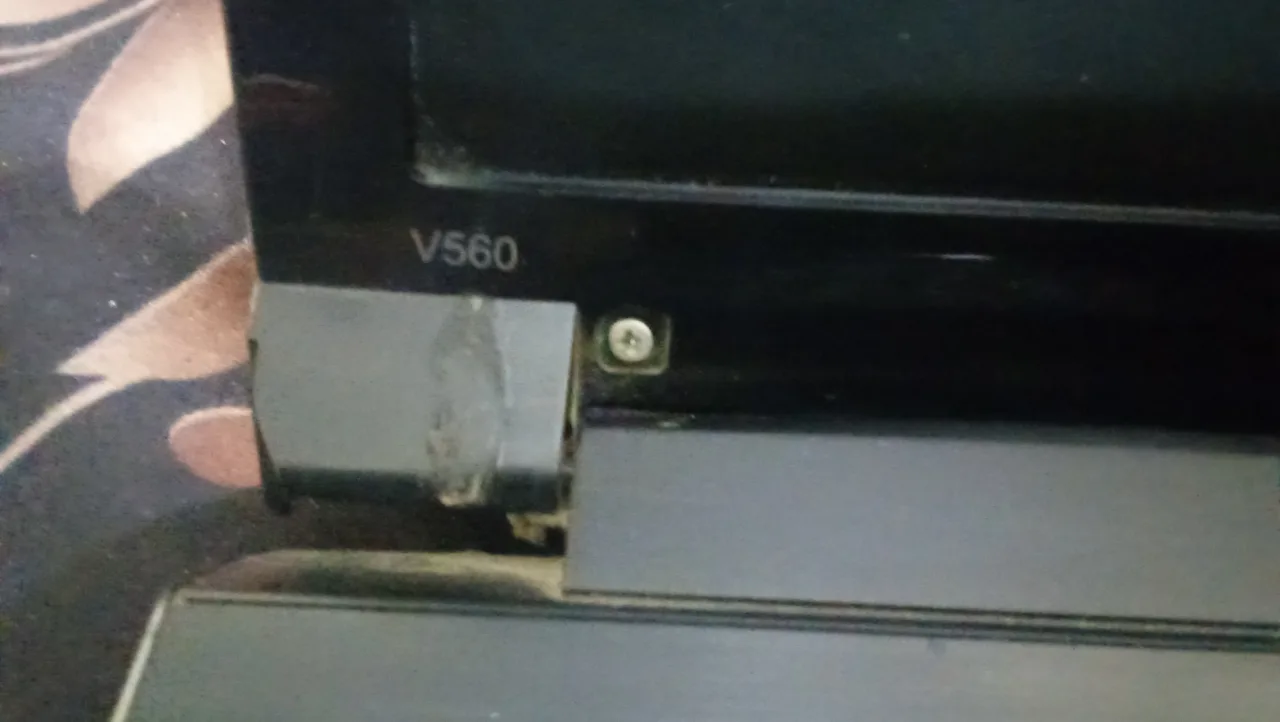 For Parts / Repair
Lenovo Laptop
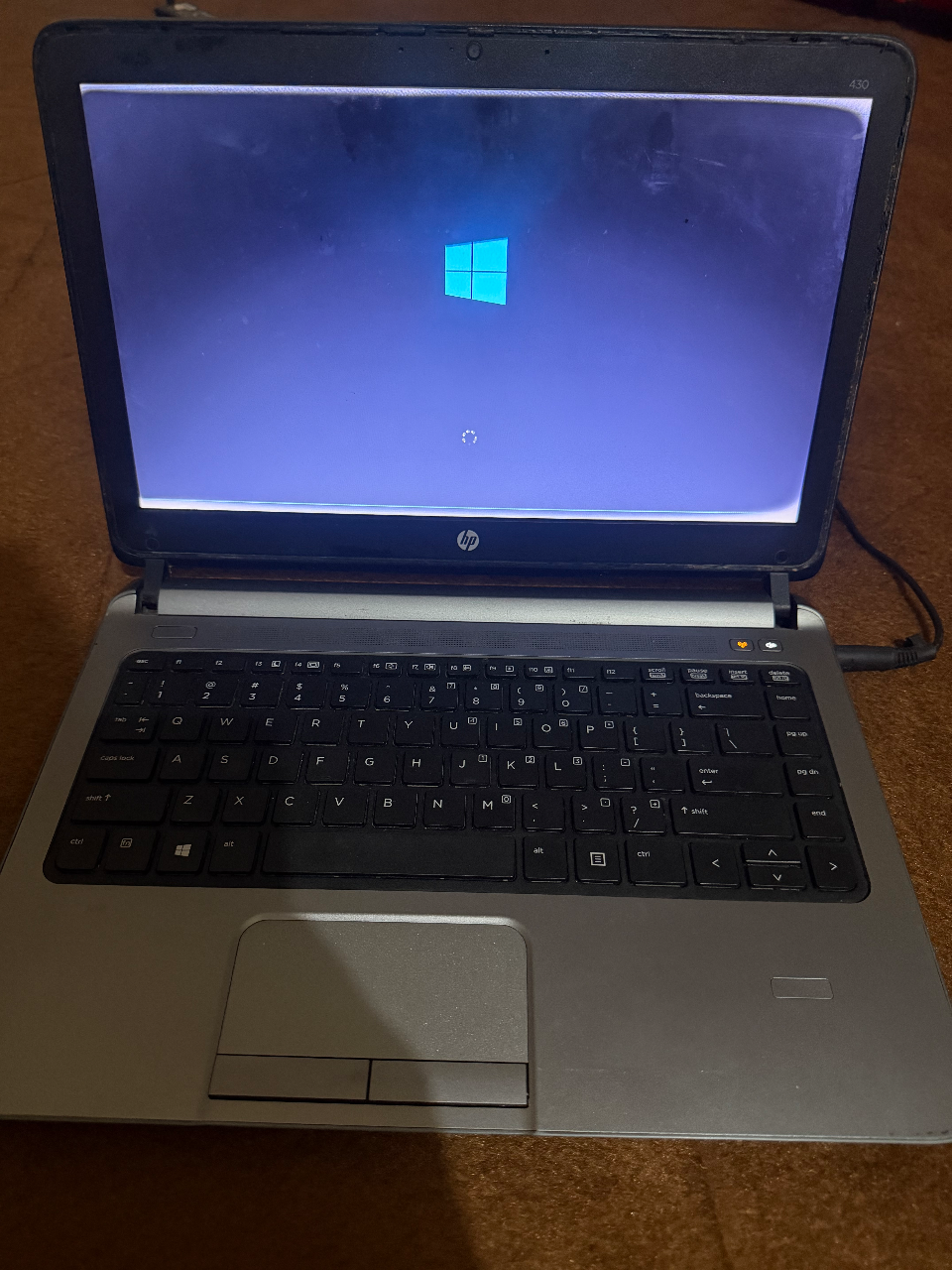 Good Used
Laptop Hp Probook 430 G1
Checking a used Lenovo laptops & computer
These are specific to Lenovo. The general laptops & computers checks apply too and are on the laptops & computers page.
Enter BIOS setup first
Ex-corporate ThinkPads can carry a supervisor password that no shop can clear, because it is enforced on the mainboard rather than in software. Try entering setup before anything else, since a locked machine cannot have its boot order or security settings changed.
Read the machine type
Lenovo identifies each variant by a machine type and model code rather than by the family name. That code is what battery, keyboard and screen part numbers are matched to, and Lenovo publishes a service manual against it.
Test the TrackPoint and buttons
Push the stick in each direction and check the pointer returns to rest without drifting, then test all three buttons including the middle scroll. A drifting stick usually means the keyboard assembly, which on most ThinkPads is a straightforward replacement.
Ask which battery it takes
Some ThinkPads take an external pack that clips out, others are internal-only. An internal battery means a strip-down for a replacement, so it changes what a tired pack will cost to put right.
What Lenovo laptops & computers are worth
- ThinkPads hold value better than the consumer lines because they were built for service: published manuals, standard fasteners and parts that circulate through the refurbished trade.
- An unlocked BIOS is a value factor in itself, since a supervisor-locked machine is effectively fixed in whatever configuration it was left.
- Machines with a clip-out external battery are easier to refresh than internal-only ones, and buyers price that difference.
- IdeaPad and other consumer models with soldered memory cannot be upgraded, which shortens their useful life against a ThinkPad of the same age.
Model lines you will see second-hand
- ThinkPad T series
- ThinkPad X series
- ThinkPad L and E series
- IdeaPad
- Legion
General laptops & computers checks
These apply whatever the badge on the front says — the laptops & computers page covers them in full.
Pull the battery report
On Windows, run powercfg /batteryreport from a command prompt and compare design capacity against full charge capacity; on a Mac, check cycle count and battery condition in System Information. A wide gap means an hour or less away from the charger, and on many models the pack is a simple swap while on others it is glued in.
Work the hinges and lid
Open and close the lid slowly several times while watching where the hinge meets the palm rest and the screen bezel. Creaking, a bezel lifting at the corner, or a hinge that stiffens at one end means the plastic mounts underneath are cracking, which worsens with use and is awkward to repair properly.
View a plain white screen
Full white shows dead and stuck pixels, patchy backlight and yellowing; full black shows bleed and pressure marks. Flex the lid gently and watch for flicker or a colour shift, which points at a display cable chafing where it passes through the hinge.
Read the drive's health
CrystalDiskInfo, or the SMART data in the firmware settings, gives this in a minute. On a hard disk, reallocated or pending sectors mean it is on the way out; on an SSD, look at percentage used and total data written. Also confirm whether it is a mechanical disk at all, since that alone makes an otherwise capable machine feel unusable.
Type through every key
Open a text box and press every key, including the number pad and the function row, then click both bottom corners of the trackpad. Keyboards are model-specific, and one dead key usually means replacing the whole assembly, which on many laptops sits under the entire top cover.
Check for passwords and locks
Restart into the BIOS or firmware settings and confirm nothing asks for a supervisor password, and on a Mac confirm the machine is signed out and not activation-locked. Neither can be cleared by ordinary repair, so a locked machine is a parts machine whatever its specification says.
Lenovo laptops & computers — questions
Can a Lenovo ThinkPad supervisor password be removed?
Are used Lenovo ThinkPads better than IdeaPads?
Other laptops & computers brands
Selling one instead? We buy used Lenovo laptops & computers for cash.