
Used Acer laptops & computers in Islamabad & Rawalpindi
Is a used Acer laptops & computer worth buying?
Acer rarely comes through the ex-fleet channel that supplies most used business machines here, so its used stock is retail: Aspire and Swift consumer models, Nitro and Predator gaming laptops, and imported Chromebooks. The practical difficulty is naming. Acer reuses a marketing name for years, so Aspire 5 identifies nothing on its own, and parts are matched to codes printed under the machine.
Imported
Parts usually have to be imported or sourced from the grey market, so a repair takes longer and costs more — which matters more on an older unit than the build quality does.
Acer is imported and largely absent from the ex-fleet channel, so screens, keyboards and batteries usually come from stripped units through the refurbished trade rather than from stock, and the type code on the base is what a seller asks for before quoting. Gaming models add a trap people underestimate: their high-wattage chargers are model-matched and awkward to replace.
Laptops & Computers in stock now
Our current laptops & computers, across all brands — ask us on WhatsApp if you want Acer specifically.
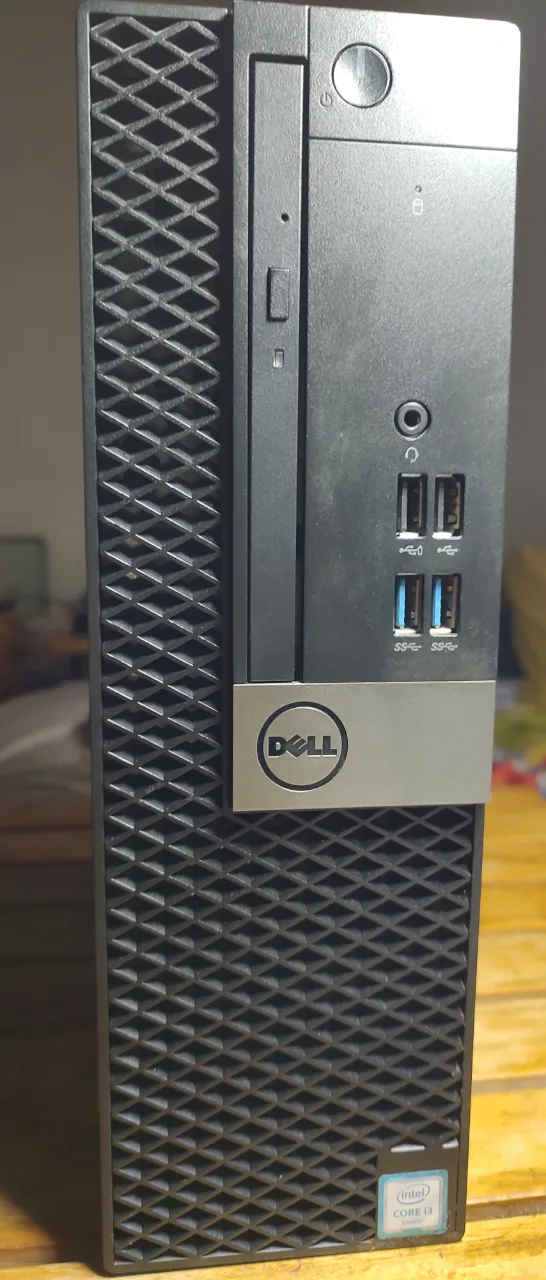 Good Used
Dell Optiplex 5050.SFF PC
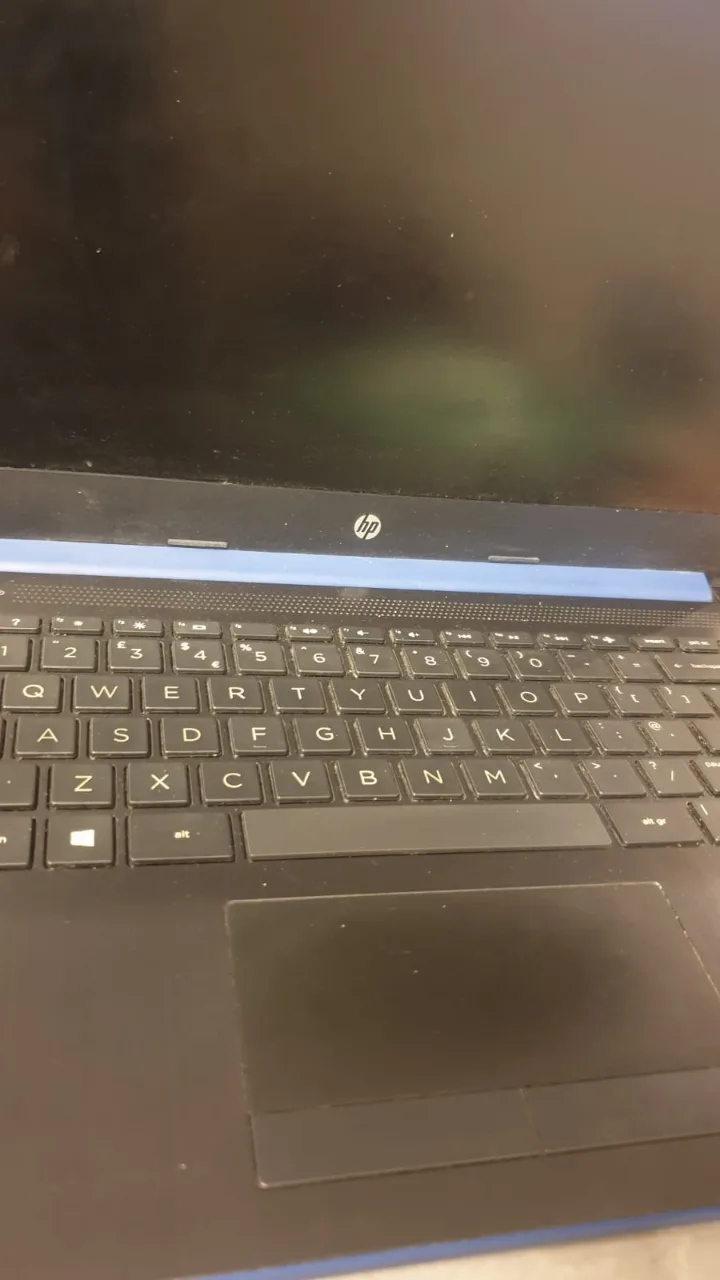 Like New
HP Pavilion Notebook/UK Import, 10/10 condition
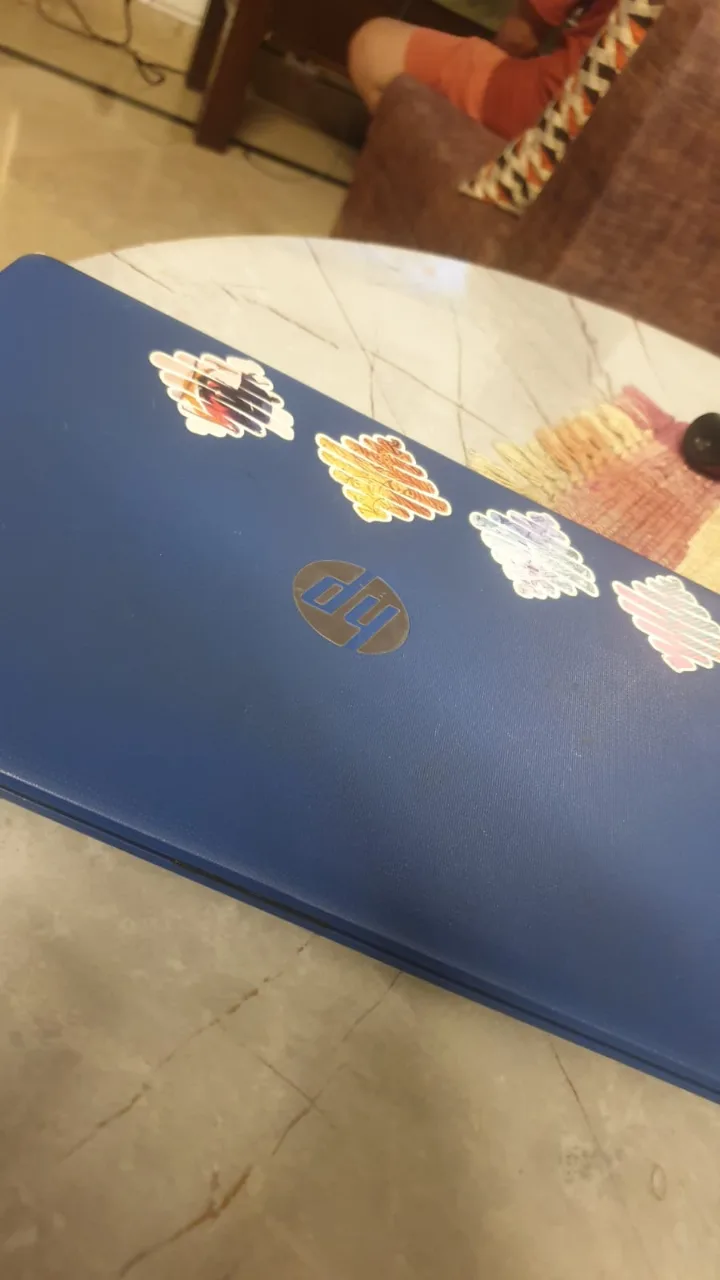 Good Used
hp laptop 14-cm0xxx-AMD A4, 4 GB Ram, 64 GB SSDwindows 10 pro and
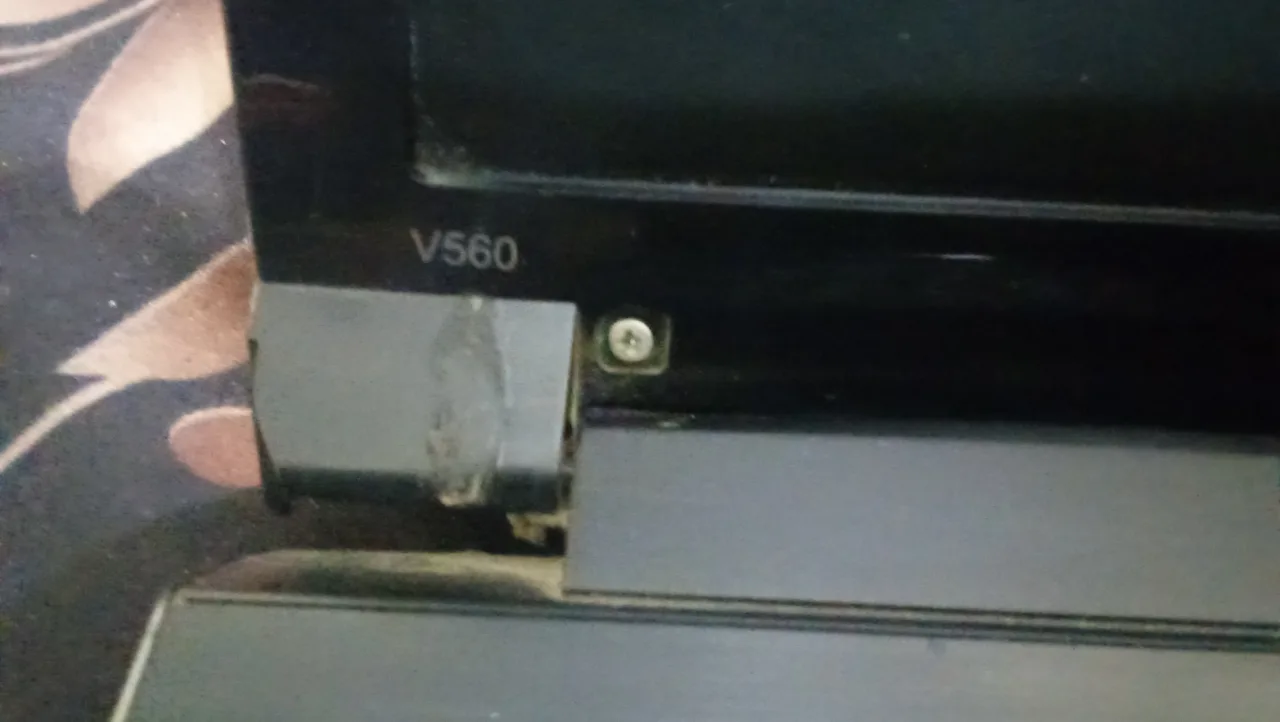 For Parts / Repair
Lenovo Laptop
Checking a used Acer laptops & computer
These are specific to Acer. The general laptops & computers checks apply too and are on the laptops & computers page.
Read the SNID first
Acer identifies a machine by SNID, a short service number printed on the base alongside the serial, and its support and parts channels look up by that rather than by the marketing name. Note it before anything else, because the same name covers several different machines.
Match the chassis type code
The base sticker also carries a type code beginning with N, and batteries, keyboards and palm rests are matched to that code rather than to Aspire 3. Two laptops with the same name on the lid can take entirely different parts.
Drive the fans from NitroSense
Nitro and Predator models carry a dedicated key for Acer's own utility, which shows both fan speeds alongside processor and graphics temperatures. Set the fans to maximum and watch both readings move; a fan stuck at zero or a temperature that will not fall means a blocked heatsink or a disconnected fan.
Look up the Chromebook expiry
Imported Acer Chromebooks arrive in several models with near-identical names, and the automatic-update expiry that ends a Chromebook's useful life is tied to the exact model rather than the family. Take the code from the base sticker and check the expiry before treating the machine as usable.
Ask what memory is soldered
Several Aspire and Swift configurations carry part of their memory soldered to the board with a single free slot. Check what the machine reports as installed against how many slots are in use, since upgrading may mean replacing a module rather than adding one.
What Acer laptops & computers are worth
- A legible base sticker is worth real grade on an Acer, because the SNID and type code on it are how a battery, keyboard or screen is matched, and a rubbed-off label turns a routine part into guesswork.
- An enrolled ex-fleet Chromebook is worth little more than parts, since the management lock is held by the institution and cannot be cleared by the buyer or by a shop.
- A Chromebook's remaining update window is effectively its value, because once support ends the browser it exists to run stops being updated.
- Gaming models grade on thermal condition, which NitroSense makes readable: fans that respond and temperatures that fall keep a machine usable, while one that throttles gets moved on.
Model lines you will see second-hand
- Aspire
- Nitro
- Predator
- Swift
- Chromebook
General laptops & computers checks
These apply whatever the badge on the front says — the laptops & computers page covers them in full.
Pull the battery report
On Windows, run powercfg /batteryreport from a command prompt and compare design capacity against full charge capacity; on a Mac, check cycle count and battery condition in System Information. A wide gap means an hour or less away from the charger, and on many models the pack is a simple swap while on others it is glued in.
Work the hinges and lid
Open and close the lid slowly several times while watching where the hinge meets the palm rest and the screen bezel. Creaking, a bezel lifting at the corner, or a hinge that stiffens at one end means the plastic mounts underneath are cracking, which worsens with use and is awkward to repair properly.
View a plain white screen
Full white shows dead and stuck pixels, patchy backlight and yellowing; full black shows bleed and pressure marks. Flex the lid gently and watch for flicker or a colour shift, which points at a display cable chafing where it passes through the hinge.
Read the drive's health
CrystalDiskInfo, or the SMART data in the firmware settings, gives this in a minute. On a hard disk, reallocated or pending sectors mean it is on the way out; on an SSD, look at percentage used and total data written. Also confirm whether it is a mechanical disk at all, since that alone makes an otherwise capable machine feel unusable.
Type through every key
Open a text box and press every key, including the number pad and the function row, then click both bottom corners of the trackpad. Keyboards are model-specific, and one dead key usually means replacing the whole assembly, which on many laptops sits under the entire top cover.
Check for passwords and locks
Restart into the BIOS or firmware settings and confirm nothing asks for a supervisor password, and on a Mac confirm the machine is signed out and not activation-locked. Neither can be cleared by ordinary repair, so a locked machine is a parts machine whatever its specification says.
Acer laptops & computers — questions
Are imported Acer Chromebooks worth buying?
Why does a parts seller ask for a code from under my Acer?
Other laptops & computers brands
Selling one instead? We buy used Acer laptops & computers for cash.